
How to Get an Online Appointment for Police Clearance?(2026 Guide)
Book your National Police Clearance appointment online through the NPCS platform. Register, schedule, and pay from home, then visit the station once for your biometrics.
Total Fee
₱150 + ₱30
What is a Police Clearance Appointment?
A police clearance appointment is a scheduled visit to your chosen PNP police station where you complete the in-person verification for your Police Clearance Certificate (PCC). This includes capturing your photo and fingerprint scanning, which are required to confirm your identity and check your criminal record status in the PNP nationwide database.
Unlike the old walk-in system, the current NPCS online appointment lets you pick your station, date, and time slot in advance, so the process is faster and more organized.
Book your appointment from home in minutes
Everything from registration to payment can now be done online. You only need to visit the station once for your biometrics, which takes around 10 to 15 minutes.
No Long Queues
Pick your station, date, and time slot in advance instead of waiting in line.
Mobile Friendly
Register and pay using your smartphone, tablet, or desktop computer.
Secure & Official
Powered by the PNP, your data is safe and legally recognized.
Fees & Validity
Police Clearance Appointment Fee
The standard fee for a National Police Clearance is ₱180 total, paid online before your appointment is confirmed.
Total Fee
₱180
₱150 for the clearance itself plus ₱30 for the online payment processing fee. First-time job seekers are exempt under the First Time Jobseekers Assistance Act with a valid FTJS Certificate from their barangay.
No Hit Status
Processing typically takes 10 to 15 working days when your name does not match any criminal record.
Hit Status
If your name is similar to someone with a record, expect a longer wait while PNP manually verifies your identity.
Validity
Your certificate is valid for 6 months from the date of issue, after which you must reapply.
Step-by-Step Guide
How to Book a Police Clearance Appointment Online ?
Here are steps the for police clearance appointment online:
1
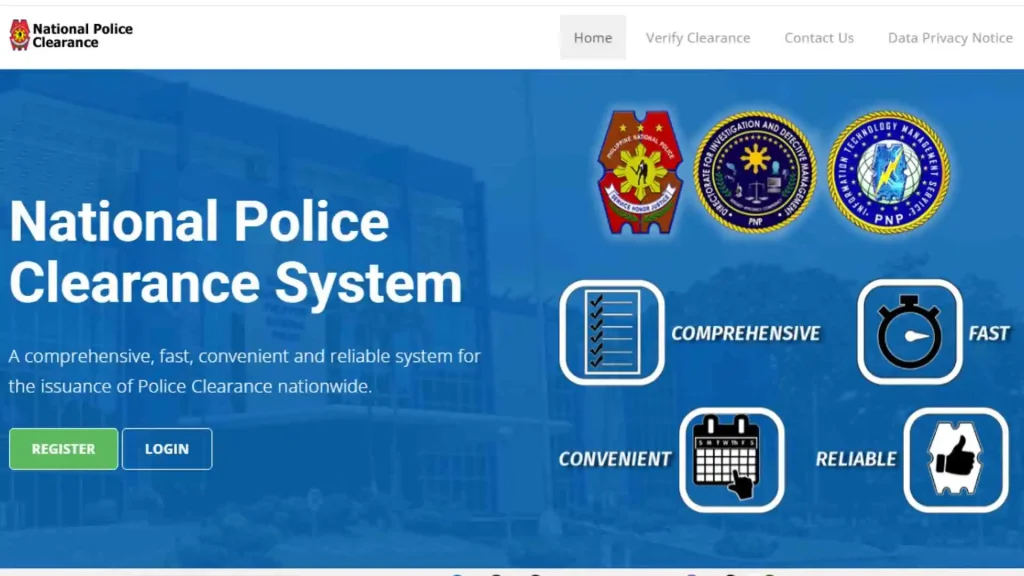
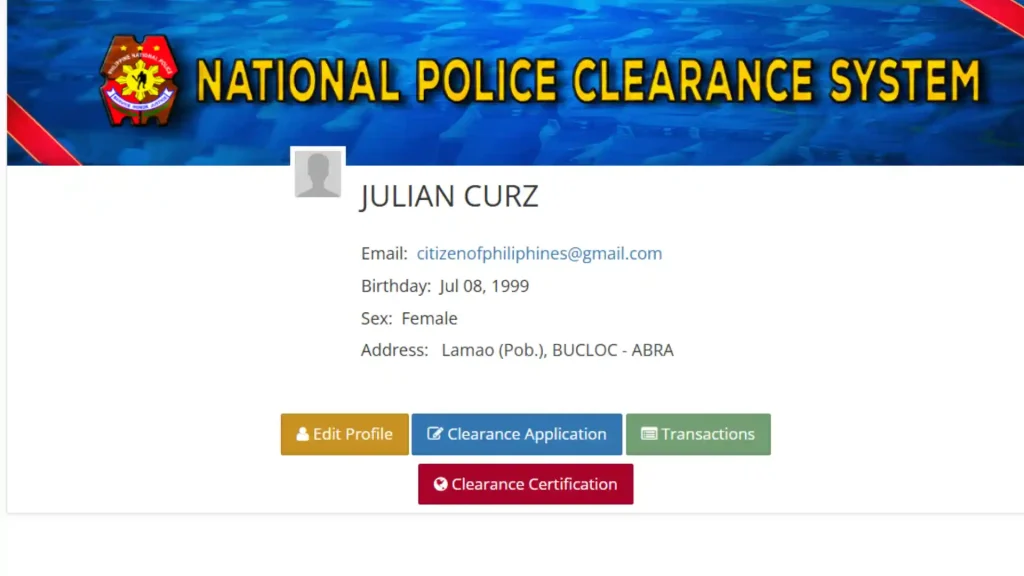
Step 1: Register/Sign in at NPCS Website
2
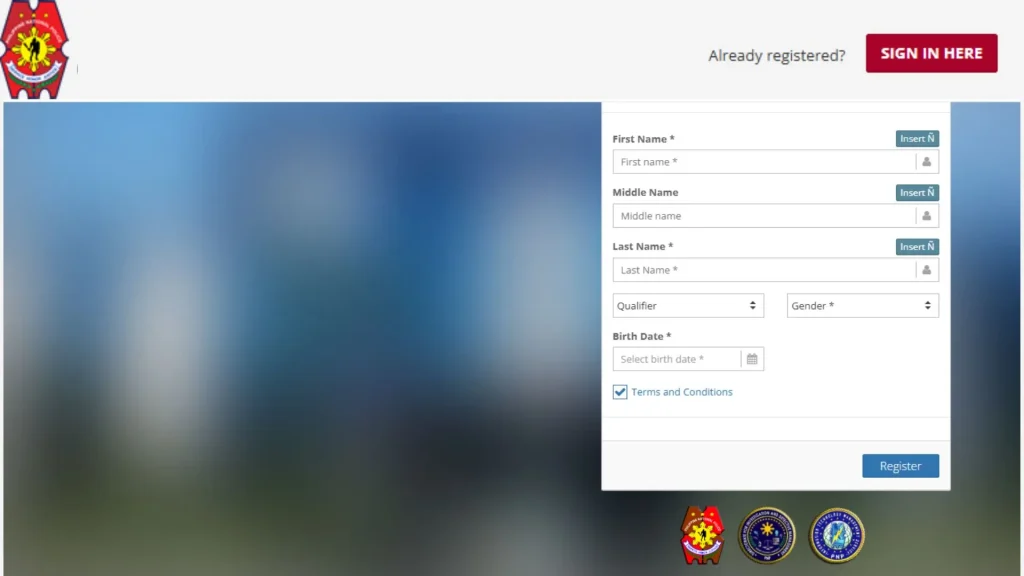
Step 2: Create Account
If you are first time applying then click on the registration button enter your first name, date of birth, select gender and click on register button.
3
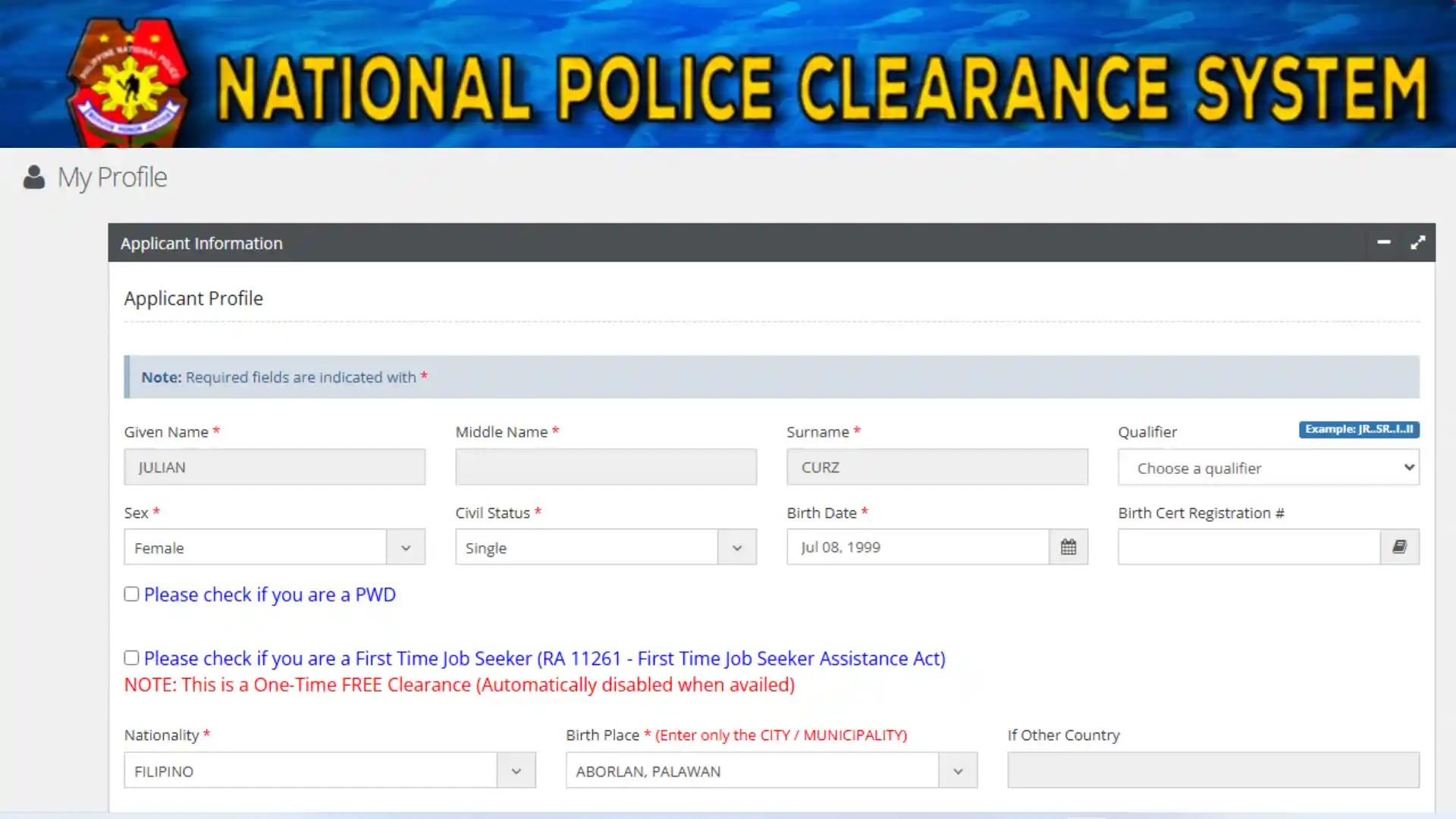
Step 3: Fill up Application Form
If you are a first time applicant then fill the application form and click on save the profile. If you don’t know how to fill up the application accurately please read our guide on how to apply for a police clearance certificate.
4
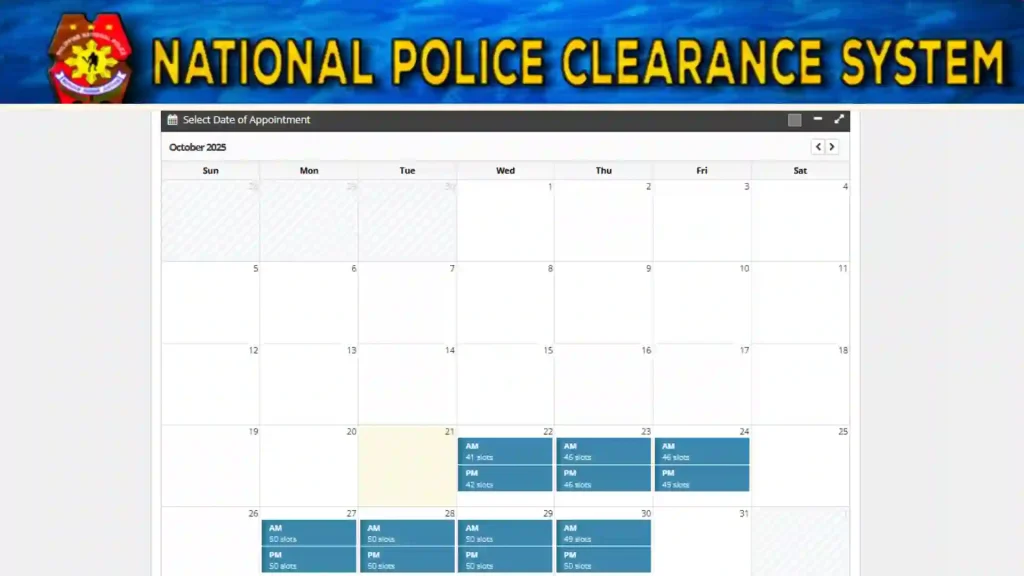
Step 4: Book Your Appointment Slot
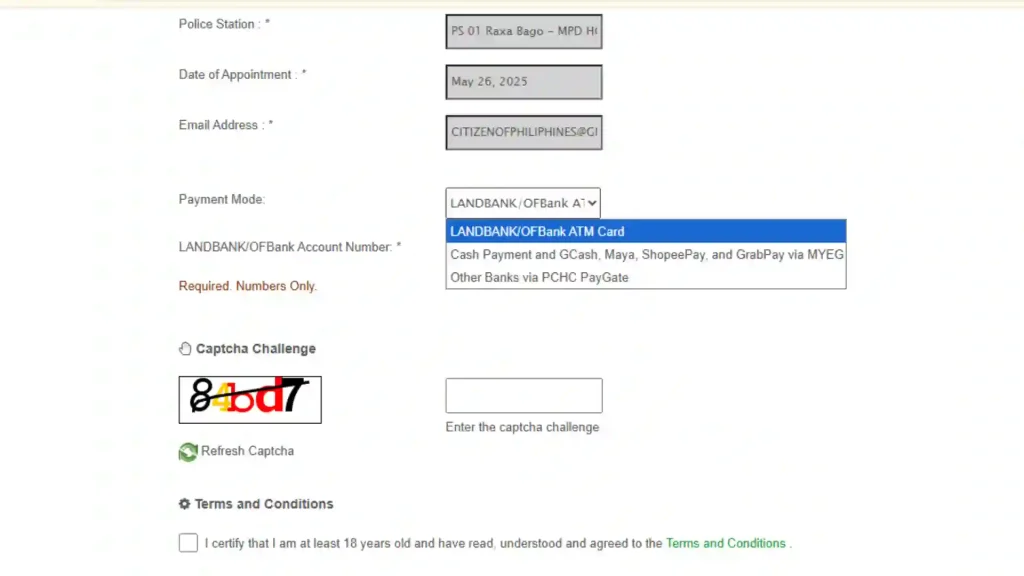
Click on change police station or appointment date.
Then select the nearest police station where you can easily go for verification ( for giving your fingerprint data and getting your pictures clicked for police clearance certificate).
5
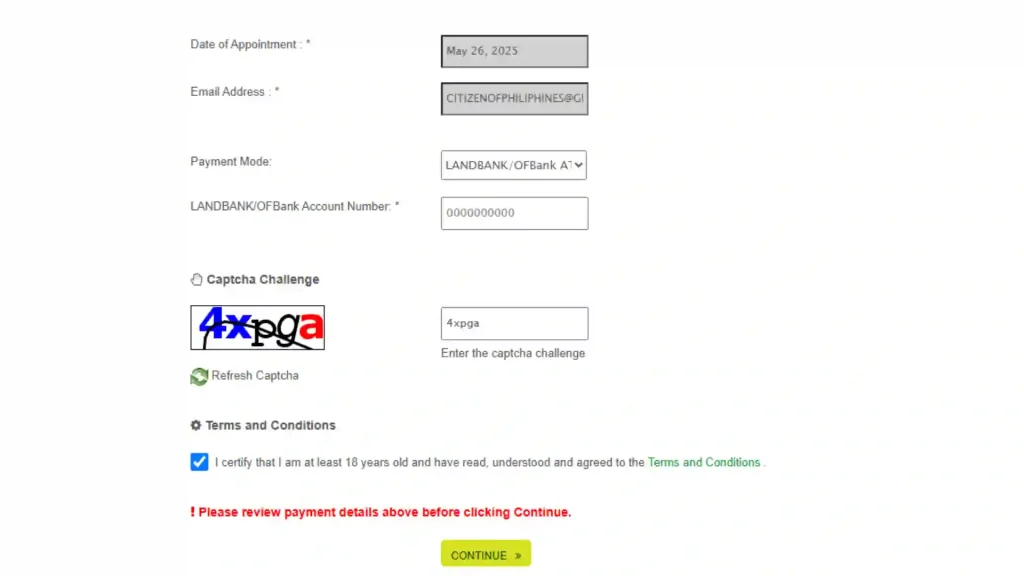
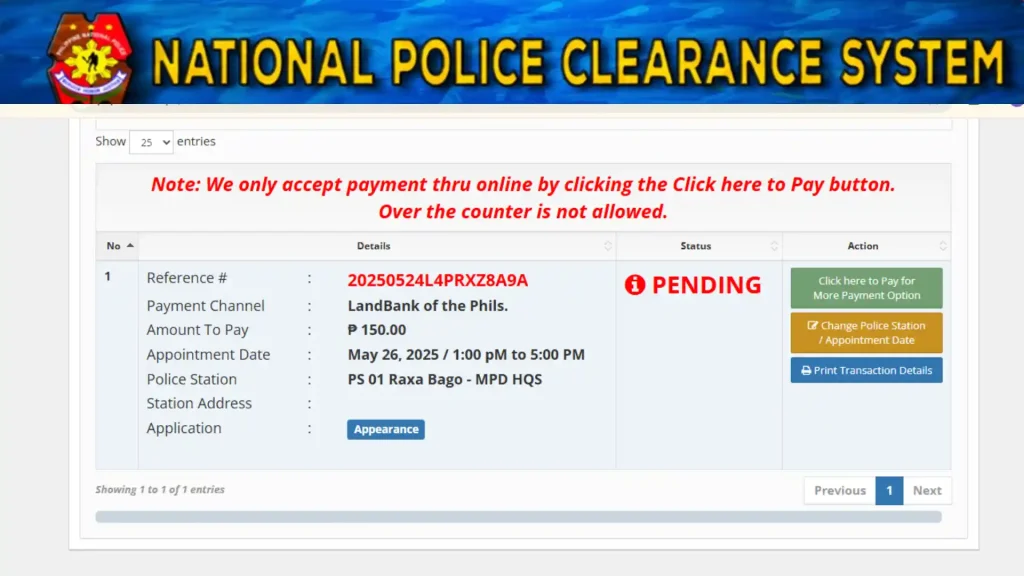
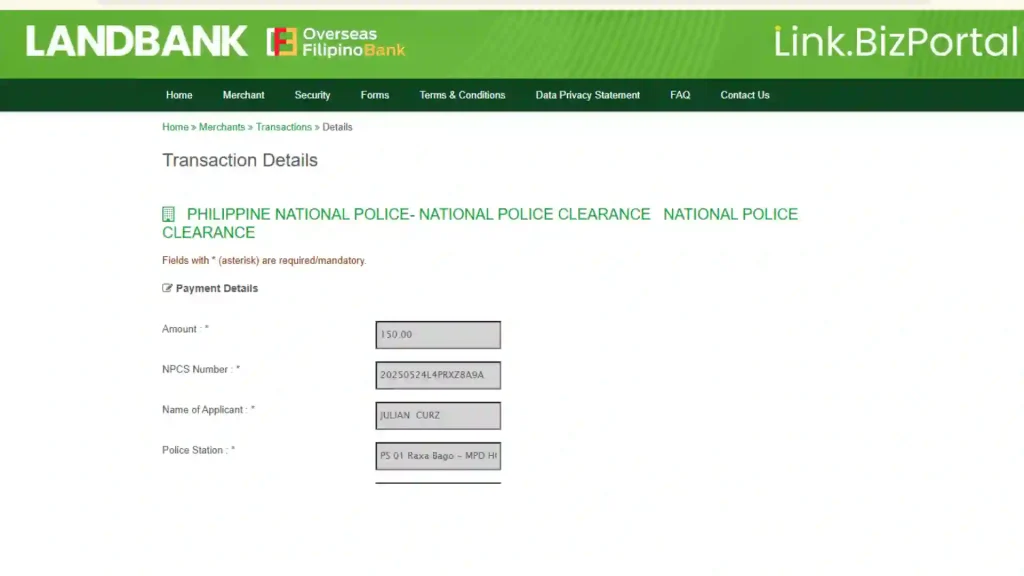
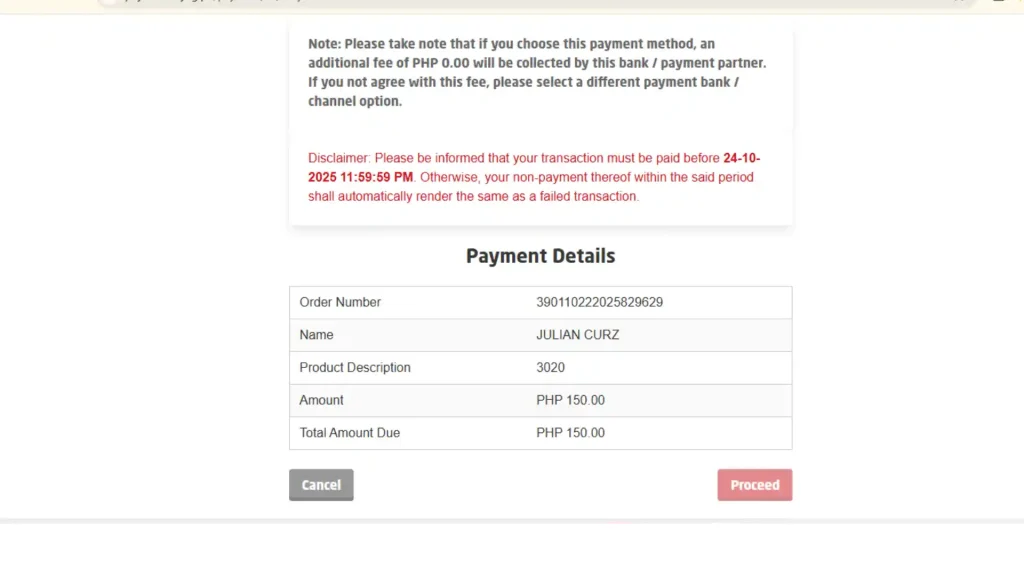
Step 5: Make Payment
6
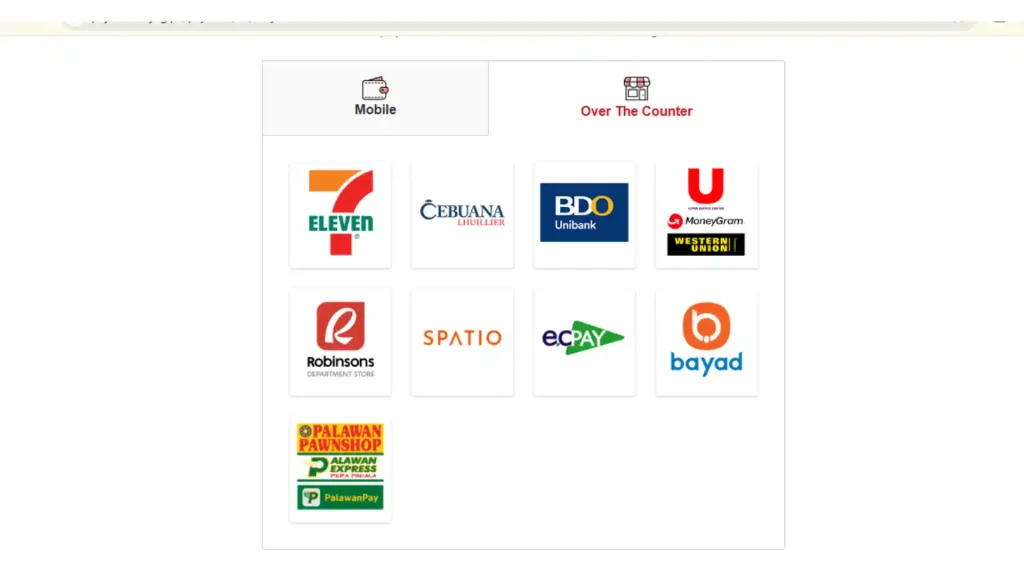
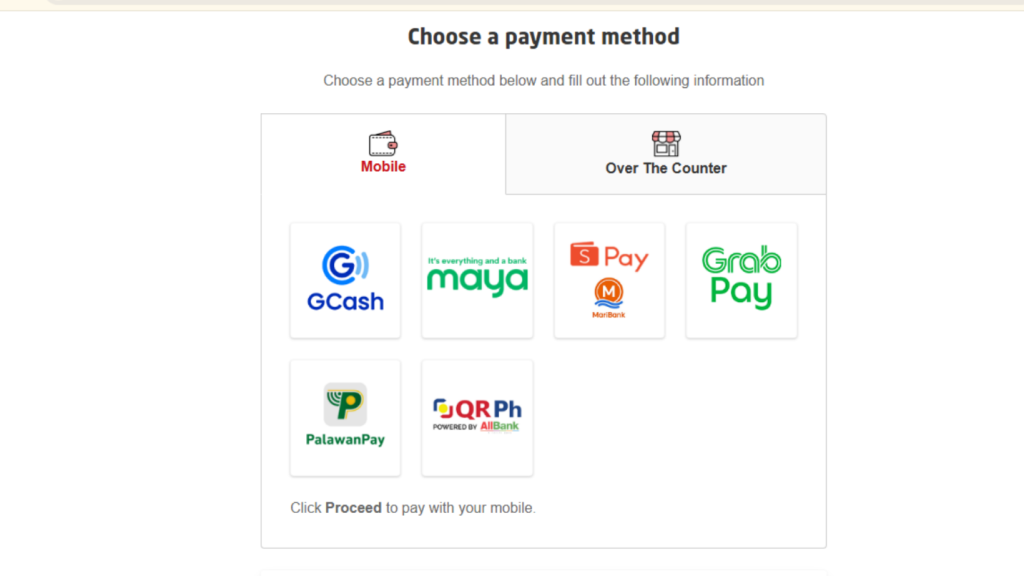
Step 6: Payment Via G-Chash or Other Online Payment Channels
7
Step 7: Visit Station & Complete Biometrics
On your scheduled appointment day, visit the selected police station with all your required documents. Once there, the verification officer will:

8
Requirements
What to Bring on Appointment Day?
Prepare these before your scheduled visit so your biometric verification goes smoothly.
Accepted Valid IDs
PhilID (Philippine National ID), Passport, Driver’s License
SSS ID, GSIS UMID, PhilHealth ID, Pag-IBIG ID
PRC ID, TIN ID, Postal ID, Voter’s ID, OFW ID
Senior Citizen ID, PWD ID, and other government IDs
Only one ID? Bring your Birth Certificate as a secondary document
No valid ID? A Barangay Residency Certificate is accepted
Required Documents to Bring
Two Valid IDs
Original, government-issued, with name, photo and signature
Payment Receipt
Your official online payment confirmation
Reference Number
A printed copy of your NPCS reference number
Birth Certificate
Helpful if you receive a Hit status for faster verification
FTJS Certificate
First Time Job Seeker Certificate for fee exemption
Barangay Certificate
Residency Certificate accepted when you have no valid ID
Important Note on Appointment Day Requirements
Always carry at least two original valid IDs and arrive early. Requirements may vary slightly by station, so check the official NPCS website at pnpclearance.ph before your appointment.


